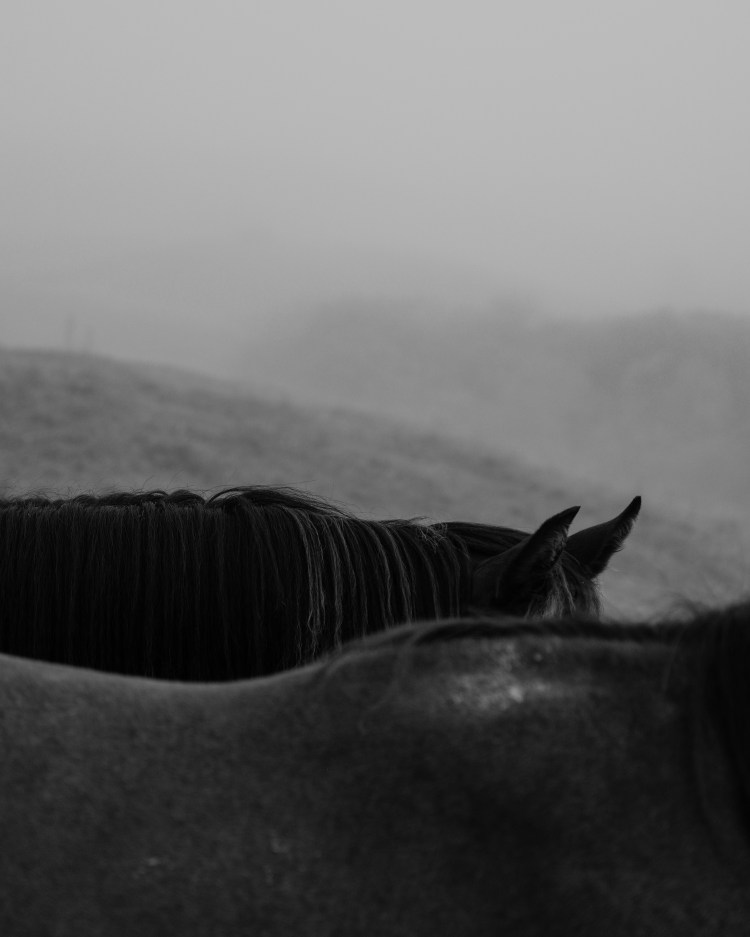
A step-by-step guide to turning your photo project into something you can hold in your hands.
There’s a particular magic in seeing your photos live beyond the screen. Are you documenting a personal journey? Want to showcase a long-term project? Building a photo book is one of the most meaningful ways to bring your work into the world!
And here’s the truth: you don’t need a publisher, a big audience, or fancy design software to do it.
This guide will walk you through the entire process of building your first self-published photo book, from idea to print. We’ll be using only accessible tools (yes, even Google Docs if that’s where you start).
Step 1: Start With a Clear Intent
Before you start dragging files into a layout, ask yourself:
- What’s the story or concept behind this book?
- Who is this book for? (Yourself? A gallery? Future clients?)
- What do you want someone to feel when they flip through it?
Even the most visual books are shaped by purpose. Writing down a short paragraph can help keep your sequencing and design choices aligned throughout the process.
Step 2: Choose Your Photos (And Kill Your Darlings)
A strong photo book should not just be a collection. It should be a carefully curated story.
Tips for selection:
- Look for consistency in tone, light, mood, or subject
- Avoid including images just because they’re technically good. Choose only what serves the narrative
- Think in sequences, not just single shots. How does one photo set up the next?
If you’re stuck, print your images small and lay them out on a table. Rearranging physically can help break decision paralysis. Adobe Bridge is also useful during this process.
Step 3: Draft the Flow (Google Docs Totally Works)
Start rough.
Drag low-res images into a Google Doc or PowerPoint. Start sequencing them and jot down notes as you go. What works? What doesn’t? Where does the pacing slow down or speed up?
Your first draft is for thinking, not perfection.
You can also:
- Include space for captions or short reflections
- Experiment with blank pages to give visual breathing room
- Play with diptychs or full spreads
Step 4: Add Context (But Not Too Much)
Captions, introductions, or short essays can add depth, but don’t overexplain. Let the images breathe.
Ideas for adding writing:
- A foreword about why this series mattered to you
- A short story or memory that inspired the project
- Sparse, poetic captions that offer insight without over-directing the viewer
Use your own voice. You don’t need to sound like a curator.
Step 5: Choose a Tool to Build It
When you’re ready to go from draft to real layout, try tools like:
- Blurb BookWright – intuitive and made for photo books
- Canva – great for zines or visual journals
- InDesign – powerful, but a steeper learning curve
- Zinepal – DIY-friendly, especially for digital zines
- Affinity Publisher – a more affordable InDesign alternative
Export as a high-res PDF once you’re done.
Step 6: Pick a Printer or Publisher
Where to print:
- Blurb (great for short-run books, worldwide shipping)
- Mixam (popular for zines and more budget-friendly)
- Lulu (customizable options, print-on-demand)
- Local printers (often a good way to support your community)
Print a sample copy first if you can. Paper weight, color accuracy, and binding all affect the final feel.
Step 7: Share It (Or Keep It Just for You)
You don’t need to launch a campaign or sell 100 copies. Some photo books are made for galleries. Others are made for your bookshelf. Both are valid.
But if you do want to share it:
- Post a behind-the-scenes process on Instagram or TikTok
- Send copies to editors or galleries you admire
- Sell or gift limited editions via your website or Etsy
- Swap zines with other photographers
There’s a beautiful intimacy in small print runs.
Bonus: A Few Ideas for Your First Book
- A month-long photo diary
- A personal travel series (with journal entries)
- A portrait series with handwritten captions
- A zine about your hometown, told through textures and details
- A thematic photo essay (e.g., solitude, movement, edges)
Final Thoughts
Your first photo book won’t be perfect. But it will be yours. A time capsule. A statement. A stepping stone to new work. And that’s what makes it powerful.
So start where you are. Use what you have. And build the thing you’ll one day look back on and say: This mattered.
 MELISSA MARTINSEN